
Google is rolling out its Android 16 Quarterly Platform Release (QPR) 2, meaning your device could be due for an update.
The Android 16 QPR2 update comes with a number of new features that should improve performance, ease of use, and more. Here are three new features to check out.
Add widgets to your lock screen
The updated Android 16 allows you to add widgets that appear on your lock screen when you swipe left. Tech site 9to5Google notes you can enable the feature by navigating to “Settings > Display & touch > Lock screen > Widgets on lock screen.”
That means you’ll be able to easily access things like your calendar, camera, and more.
Notification organizer and summaries
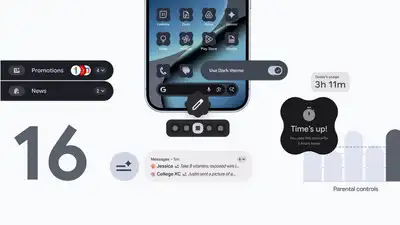
Listen, we all get overwhelmed with notifications. Android 16 QPR2 promises to leverage AI capabilities to keep those pesky notifications in check. The updated software will summarize notifications — a long message in a group chat, for instance — and automatically prioritize more important notifications.
“Notification organizer automatically groups and silences your lower-priority notifications (such as promotions, news, and social alerts), making it easier for you to stay focused on what matters with fewer distractions. Notification organizer is rolling out in stages and will be available in the coming weeks,” wrote Google.
Improved parental controls
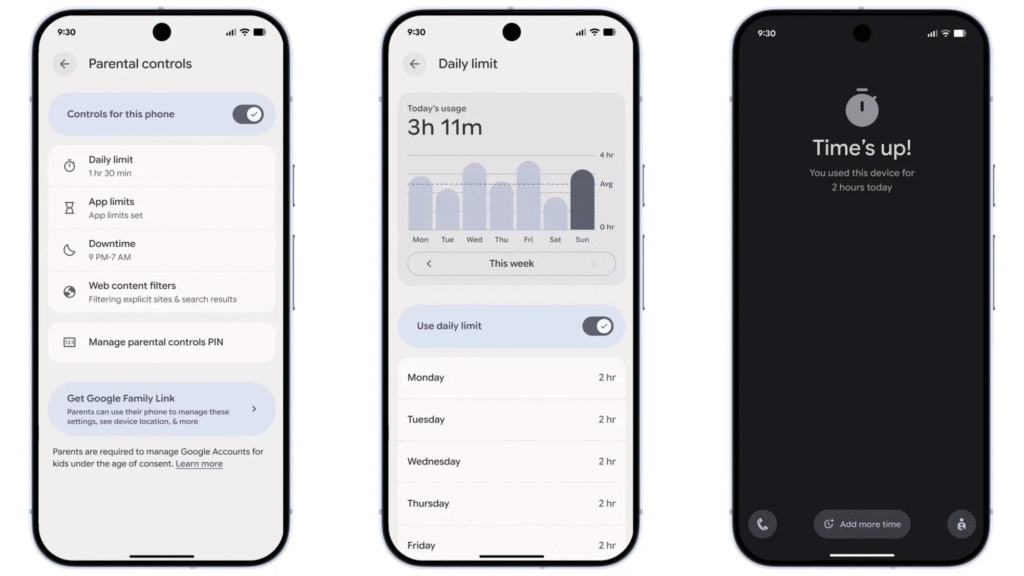
Android 16 QPR2 introduces a “parental controls” option within settings, which means parents can keep tabs on their kids’ devices from a single location. It’ll allow parents to remotely set screen-time limits, control app usage, and set a schedule for when a kid’s device locks.
If you want further details on updates with Android 16 QPR2 you can head over to Google’s blog.
Google just dropped the second Android 16 update of 2025, a first for Android in all these years. Starting with Pixel devices, the update brings AI-powered notification tools, expanded customization options, and streamlined parental controls—all part of Google’s new strategy to push updates more frequently instead of making users wait a whole year.
| Feature / Update | Description | Why it Matters | Links / References |
|---|---|---|---|
| AI‑powered Notification Summaries | Long chats and group messages are summarized automatically. | Saves time and reduces notification clutter. | 9to5Google |
| Notification Organizer | Groups low-priority notifications like promos or app alerts. | Cleaner notification panel, fewer distractions. | TechMitra |
| Custom Themed Icons | Choose custom icon shapes (circle, square, arch). Apps get auto-themed icons. | Personalized, unified home screen look. | GizChina |
| Expanded Dark Mode | Apps that didn’t support dark mode before now get dark automatically. | Better for eyes & battery. | FoneArena |
| Parental Controls | Set screen time limits, block apps, schedule downtime. | Easier control for parents and users. | TechMitra |
| Performance & Battery Improvements | System updates improve memory management and smoother animations. | Faster, more efficient daily use. | Android Developers Blog |
| Lock-Screen Widgets | Access key info without unlocking your phone. | Quick access to info, better productivity. | Android Headlines |
| Night & HDR Brightness Settings | Flexible control over screen light levels. | Comfortable viewing & battery optimization. | NewsBytes |
| Accessibility Improvements | Better layouts for volume, captions, navigation. | Inclusive & easier device use. | NewsBytes |
| Improved Sharing Menu | Smoother access to photos and content for cloud apps. | Faster content sharing. | TechMitra |
The new update Android 16 QPR2 is rolling out now — and it brings some cool new features that make your phone experience smoother, smarter and more personal. Here are 3 major changes you should check out 9to5Google+2Android Headlines+2
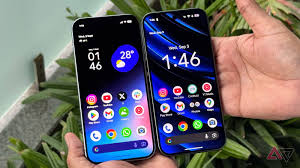
1. AI-powered Notification Summaries & Smarter Notification Management
- With QPR2, long chats and group messages are automatically summarized into short, readable snippets — so you don’t have to scroll through dozens of messages to get the gist. techmitra.in+2PiunikaWeb+2
- A new “Notification Organizer” helps: low-priority alerts (like promos, social updates, or random app pings) are grouped and minimized — meaning fewer distractions and a cleaner notification panel. techmitra.in+2The Time City+2
- Why it matters: You stay focused on what’s important. No more notification overload.
2. Deep Customization: Themed Icons, Dark Mode & Personalised Home Screen
- Android now lets you choose custom icon shapes for your home screen — circle, rounded-square, arch, and more — for a look that matches your style. Gizchina+2Whats Hot+2
- Even apps that didn’t support the new theming earlier will now get auto-themed icons — giving your phone UI a clean and unified appearance. Bez Kabli+1
- QPR2 also brings an Expanded Dark Theme: now apps that didn’t originally support dark mode will go dark automatically, making it easier on the eyes and better for battery life. FoneArena+1
- Why it matters: Your phone looks more beautiful, consistent and feels more “yours.”
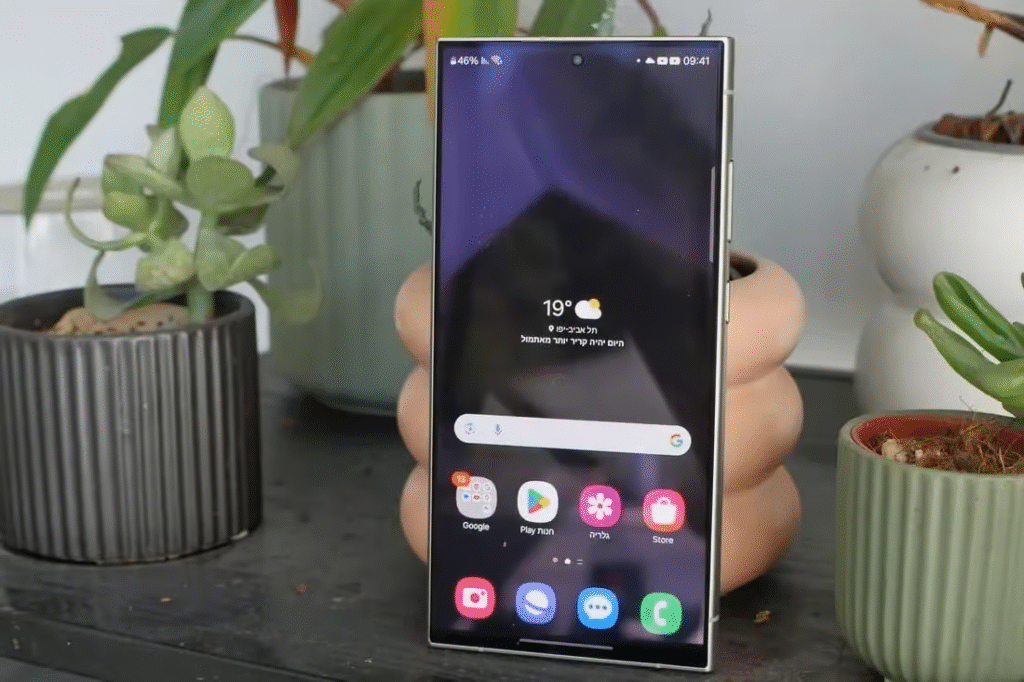
3. Better Privacy, Control & Productivity Tools
- A built-in Parental Controls section has been added — no extra apps needed. Parents (or you) can set screen-time limits, schedule downtime, block apps, and manage usage easily. techmitra.in+2PiunikaWeb+2
- Under-the-hood improvements: better performance, smoother animations, improved battery efficiency — thanks to updates in system management and memory handling. Android Developers Blog+1
- Lock-screen widgets are now supported, letting you access important info without unlocking your phone. Android Headlines+1
- Why it matters: More security, easier device control, and smoother everyday use.
Want More? Other useful QPR2 improvements
- Night & HDR brightness settings offer flexible control over screen light levels. NewsBytes+1
- Better support for accessibility: improved layout for volume & live-caption controls, smoother navigation, and more inclusive interface design. NewsBytes+1
- If you use cloud-storage or content-sharing apps: the updated menu for sharing or picking photos works more smoothly. techmitra.in+1
Should you update now?
If you have a compatible phone, updating to Android 16 QPR2 is a good idea — especially if you like:
- A cleaner notification system (great for students or people with busy group chats)
- A customised and consistent phone look
- Better control over privacy, apps, and screen time
Android 16 QPR2 makes the phone experience more smart, neat and user-friendly.
The information provided in this article is based on publicly available sources and official announcements. Features and availability may vary depending on your device, region, and carrier. The author or website is not responsible for any issues arising from software updates or device compatibility. Always back up your data before installing updates.
#Android16 #QPR2Update #AndroidUpdate #TechNews #Smartphones #Carrerbook #Anslation #MobileUpdates #NotificationSummaries #DarkMode #ParentalControls #AndroidFeatures #TechTips #MobileTech #Customization #ProductivityApps #AIinAndroid