

Building a professional website is essential for establishing a strong online presence, whether you are a business owner, freelancer, or creative professional. Squarespace makes this process simple with its all-in-one platform, modern templates, and intuitive drag-and-drop editor, allowing anyone to create a polished website without coding skills. In this guide, we’ll walk you through every step to ensure your Squarespace website looks professional, functions smoothly, and helps you achieve your online goals.
Choose the Right Squarespace Template

The first step in building a professional website is selecting the right template. Squarespace offers a wide range of responsive, modern templates designed for different industries, including business, portfolio, blog, and ecommerce websites. When choosing a template, it’s important to pick one that reflects your brand’s style, has a clean and minimal design, and provides flexibility for customization. A well-chosen template gives your website a strong visual foundation and ensures it looks great on both desktop and mobile devices.
Customize Your Website Design
Once you’ve chosen a template, focus on customizing it to match your brand identity. Squarespace’s editor makes it easy to adjust layouts, fonts, and colors without touching any code. Use consistent brand colors and typography throughout your site to maintain a professional look. Add your logo and high-quality images to strengthen your brand presence. Make sure to keep your pages uncluttered, with clear spacing and alignment, so visitors can easily navigate your website. A visually appealing, organized site instantly builds credibility and engages your audience.
Create Essential Pages
A professional website should include all the important pages visitors expect. At a minimum, your site should have a Home Page, About Page, Services or Products Page, and a Contact Page. A blog can also be a powerful addition for content marketing and SEO purposes. Each page should have clear headings, concise text, and easy-to-use navigation. The About Page should tell your story and build trust with your visitors, while your Services or Products Page should clearly explain what you offer. Ensuring that all essential pages are included helps create a cohesive, user-friendly website.
Optimize for SEO and Performance
Search engine optimization (SEO) is critical for attracting traffic to your website. Squarespace provides built-in SEO tools to help your site rank higher on Google. Use relevant keywords in your headings and content, create unique meta titles and descriptions, and add alt text to images. Ensure that your URLs are simple and SEO-friendly. Additionally, optimize your website’s performance by using high-quality images that don’t slow down your pages and checking that your site loads quickly on all devices. A well-optimized site increases visibility and improves user experience.
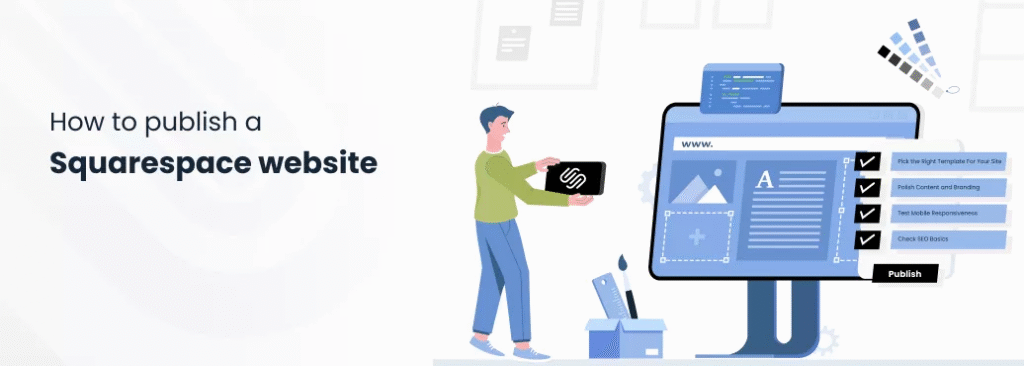
Add High-Quality Content and Images
Content is the backbone of any professional website. Your text should be clear, engaging, and relevant to your audience. Break content into short paragraphs, use headings and bullet points, and highlight key points for readability. Incorporate high-resolution images that reflect your brand identity and avoid generic stock photos, which can feel impersonal. Authentic visuals combined with informative content make your website more trustworthy and appealing, helping visitors connect with your brand.
Enable Essential Features and Integrations
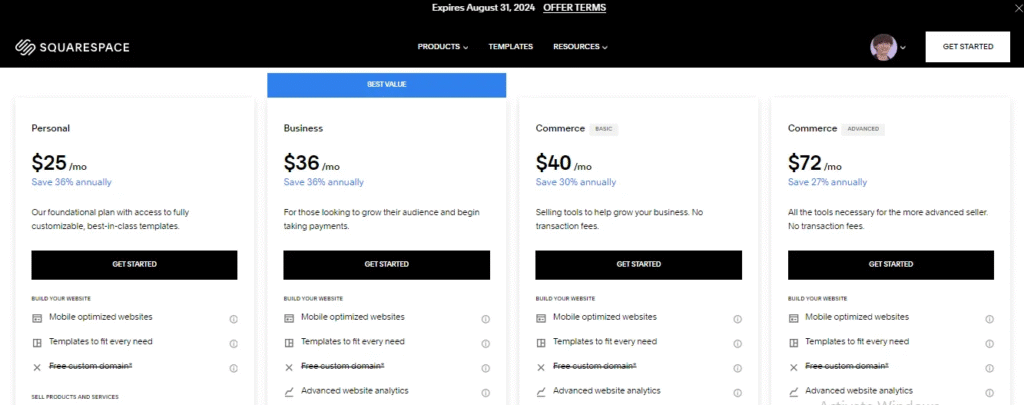
Squarespace allows you to add powerful features and integrations that enhance your website’s functionality. You can easily include contact forms, email signup forms, social media links, analytics, and ecommerce tools for selling products online. Other useful integrations include scheduling tools for appointments and events. These features help you manage your website efficiently while providing a seamless experience for your visitors, making your site look both professional and functional.
Preview, Test, and Launch
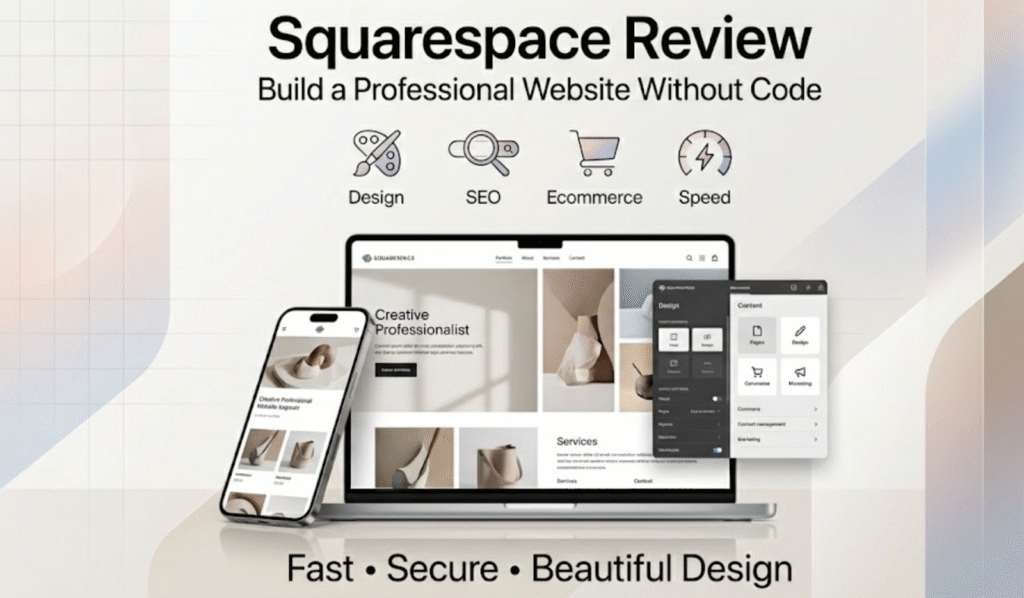
Before launching your website, thoroughly preview and test it to ensure everything works perfectly. Check how your website appears on mobile, tablet, and desktop screens. Test all links, forms, and navigation buttons, and proofread all content for errors. Review page speed and overall design to ensure a smooth user experience. Once everything looks polished, connect your custom domain and publish your site. A carefully reviewed launch ensures that your website creates a strong first impression and performs effectively.
Creating a professional website on Squarespace is straightforward, even for beginners. With its modern templates, intuitive editor, built-in SEO tools, and powerful integrations, Squarespace helps you build a website that looks polished, functions smoothly, and attracts visitors. By following these steps—choosing the right template, customizing your design, creating essential pages, optimizing for SEO, adding high-quality content, and testing your site—you can launch a professional Squarespace website that elevates your brand and achieves your online goals.
- Best PS Plus Essential March 2026 Leak – First Free Game Revealed Early!

- The Best Tecno Pova Curve 2 with 8000mAh Battery Launched

- Powerful Best Airports Tighten Health Checks as Nipah Spreads

- The Powerful Apprentice fans blast “unfair” elimination in first episode: “Fired for being too nice”

- Best Joe Marler Fronts IHG’s Ultimate Rugby Fan Experience

- 10 Underrated Places That Will Steal Your Heart

#Squarespace #WebsiteDesign #WebDesignTips #BuildWebsite #OnlineBusiness #SmallBusinessWebsite #Carrerbook #Anslation #SEO #WebsiteTips #WebsiteLaunch #ProfessionalWebsite #EcommerceWebsite #DigitalMarketing #SquarespaceTips #WebDesign2026 #WebsiteForBeginners